Tag Archives: Copilot Agent

Managing and governing AI agents

Microsoft is expanding agent management, including controls for agent availability, access, and usage. SharePoint administrators now have new agent-related governance capabilities to understand.

Articles TBD:

  • How to Inventory Copilot Agents Across a Microsoft 365 Tenant
  • How SharePoint Permissions Affect AI Agent Responses
  • Who Can Create and Publish Copilot Agents? An Administrator’s Guide
  • How to Audit Which Agents Can Access Your SharePoint Content
  • SharePoint Agents vs. Copilot Studio Agents: What Administrators Need to Know
Solving Issues with m365 Copilot Agents

Issue # 1 – Unable to create

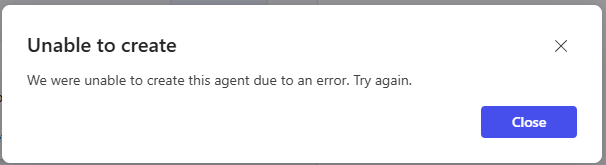
It says “Unable to create” and “We were unable to create this agent due to an error. Try again.”
or
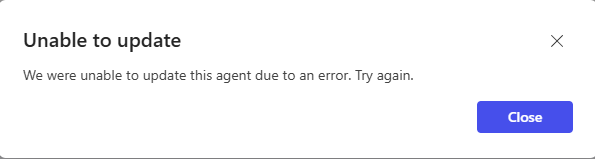
“Unable to update” and “We were unable to update this agent due to an error. Try again.”

Unable to create
We were unable to create this agent due to an error. Try again.
Unable to update

We were unable to update this agent due to an error. Try again.

More info:
The problem appears to be when copilot tries to save agent (POST to https://powervamg.us-il105.gateway.prod.island.powerapps.com/chatbotmanagement/tenants/…/environments/Default-…/minimalBots/api/…/publish – it returns 500 Internal Server Error).

Cause:
In my case the cause was my license was assigned a few hours before, so it seems like it takes some time for Microsoft to populate updates.
In the other case I troubleshooted it turned out user did not have a license assigned (license was removed), but “Create an agent” button was available.

Solution:
Ensure you have a license for Microsoft 365 copilot assigned and (ideally) wait 24 hours.
Microsoft: “If you recently purchased a license or started a free trial, it may take up to 24 hours for the license to take effect.”